
Resources · Tool
Legacy Equipment Connectivity Checker
Answer five questions about one machine: what controls it, what it is wired to, whose permission you need, what data you need and whether it can be stopped. The checker lists every workable route, with a cost range and the main risk for each. This includes machines with no digital interface, where new sensors must generate the data.
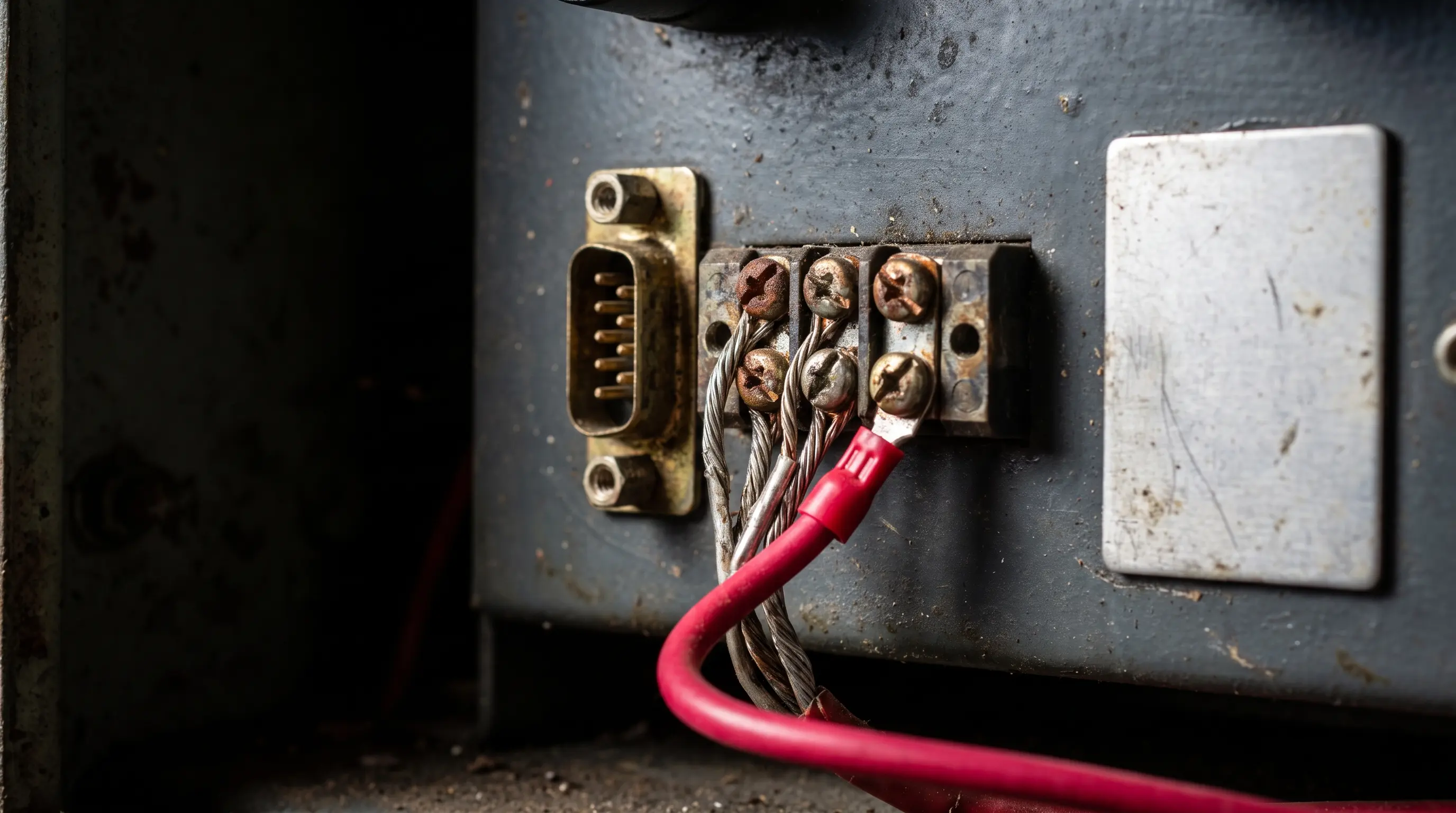
This tool runs entirely in your browser. Nothing you enter is sent to us, stored or logged. Closing the tab deletes it. Answer for one machine at a time. Start with the machine that is hardest to connect.
What controls it
UNIT 01If nobody has opened the control panel recently, answer from what you know. If nobody is certain, say so. That gives a more useful result than a guess.
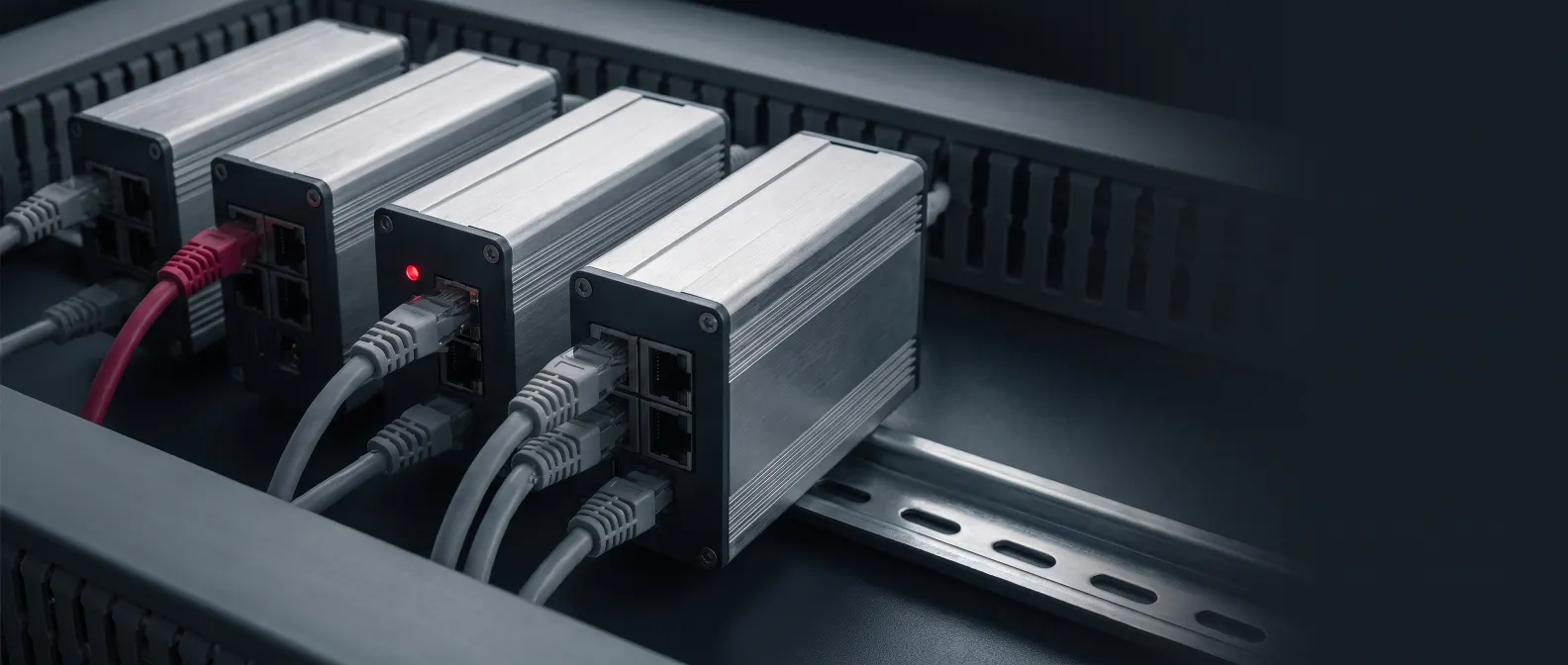
Routes
UNIT 06Technical references
UNIT 07These are the sources for the reasoning on this page. We mark standards that you must pay to read. Where a free document covers the same subject better, we list it first.
- Modbus specificationsModbus OrganizationThe protocol specifications, free to read. If a vendor is quoting you for Modbus work, read the application protocol document once.
- OPC UAOPC FoundationThe specification and its security model. If a vendor offers OPC UA, use this to check exactly what they are offering.
- PROFINETPROFIBUS & PROFINET InternationalA technology overview and the security guidelines. For an integration project, the security guidelines matter more than the protocol detail.
- EtherNet/IPODVAThe CIP-based specification used by Rockwell and Allen-Bradley equipment. It includes the CIP Security additions, which few sites use.
- IO-LinkIO-Link CommunityThe sensor-level standard. It is the cheapest way to get device diagnostics in a new installation. Many sites have it fitted but never read its data.
- SparkplugEclipse FoundationThe open specification that gives MQTT a standard message format and birth/death messages. It is free and short enough to read in an evening.
Links open in a new tab, so you do not lose anything you have entered on this page. We checked every link when we built the page. If a link no longer works, please tell us and we will remove it.
Each of these tools is a short version of a conversation with one of our engineers. If your result raised a question you want to discuss, book a scoping call and bring your result with you.
More resources
- Tool
Readiness assessment
Score a proposed integration on the five dimensions that decide whether it will work in a running plant, and find the one that limits it most.
- Tool
Payback calculator
Calculate the hours you could recover, the likely build cost and the payback period for a process you plan to automate. The result can also tell you not to automate it.
- Tool
Scope estimator
Describe your equipment, sites and compliance requirements. The estimator returns a complexity band, the main cost drivers in order and a range for engineering time.